

Google Calendars has been popular for years, but let’s be honest: sometimes it feels like trying to fit a square peg in a round hole. Whether it’s missing features or just plain boredom, many of us crave something fresh and…modern that actually helps in business.
The good news? Your calendar can do more than just show dates. Thus, now’s the right time to meet your new scheduling sidekicks. You will be surprised to see just how many mind-blowing alternatives to Google Calendar are there in the market.
In this article, we’ll introduce you to the 8 best Google Calendar alternatives, handpicked by experts, that make planning and scheduling smooth. Without any further ado, let’s dive in!
Quick Summary: Best Google Calendar Alternatives in 2025
In a hurry? No worries! Take a quick look at the best Google Calendar alternatives in 2025.
| Tool | Best For | Key Highlights |
| BookingPress + Google Calendar | Service businesses | Full booking system + real time 2 way sync, payments, automated reminders |
| Calendly | Small teams & freelancers | Simple scheduling with shareable booking links & workflows |
| Outlook Calendar | Corporations & Microsoft 365 users | Deep MS integration + shared calendars & room bookings |
| Zoho Calendar | Teams using Zoho | Smart add, advanced sharing & cross-platform sync |
| Any.do | Students & individuals | Tasks + reminders + calendar in one clean interface |
| Apple Calendar | Apple ecosystem users | Instant iCloud sync + Siri automation |
| Notion Calendar | Creators & project teams | Calendar + workflow management inside Notion |
| Proton Calendar | Privacy-focused users | End to end encryption with zero tracking |
Why Look for Google Calendar Alternatives?

Now, if you are on this blog post, you might have faced the limitations yourself already. That’s why we are on the same page right now.
Google Calendar is our old pal, yet still we can’t just turn a blind eye to its limitations. From limitations in customization, privacy, to advanced features, Google Calendar started to make things a bit complex for businesses and personal scheduling.
Apart from this, here are some more reasons why you should look for Google Calendar alternatives:
- Business and client scheduling: As we already told you, Google Calendar lacks advanced features such as real-time availability sharing via links, automated reminders, and payment options.
- Scheduling flexibility: Alternative Google Calendars often offer more control and scheduling flexibility, such as buffer time, happy hours, custom booking forms, and more
- Data Privacy: Google’s data practices….well, no comment,s but we already know it’s not the most popular one when it comes to prioritising privacy.
- User Interface: Google Calendar’s interface is quite good. It’s actually pretty decent and simple. Yes, simple and for some… too basic. Thus, creative people always look for more visual customizations.
- Account management: There’s no simple way to move events between multiple Google accounts, so users like you and me are left with no choice but to duplicate and delete events.
- Integrations: Listen, Google Calendar sure deeply connects with its own Google Ecosystem. Still, some people don’t rely on Google Products alone.
Related Blog: 10 Google Calendar Tips For Daily Productivity
How We Tested and Reviewed Alternatives For Google Calendars

At BookingPress, we have over a decade of experience in testing and reviewing WordPress plugins and tools that make booking and scheduling processes easy.
Our team has considered multiple criteria before handing you the most accurate and expert suggestions for the best Google Calendar alternatives. To help you make the right decision, here are the exact factors we used while testing and reviewing every alternative for Google Calendar:
- Ease of Use: A calendar should make planning and scheduling easier for everyone. Plus, whether you are a beginner, team, or professional user, we have made sure to go with alternatives to Google Calendars with a friendly user interface.
- Scheduling and Booking Feature: Especially for our business owners, a calendar must go beyond “add an event.” Thus, we made sure the alternative we picked allows appointment and booking in real time.
- Integration: To overcome the limitations, look for Google Calendar alternatives that blend smoothly with your workflow and day-to-day tools such as WordPress, CRM tools, payment gateways, Zoom, Zapier, and more.
- Privacy & Security: If privacy is your priority, Google Calendar might not be your best friend. Thus, we looked for tools with high security protection.
- Customization & Personalization: Some of the best alternatives offer way more personality than Google Calendar, so we compared theme options, color coding, custom views, and widgets.
- Pricing Plans: Now everyone wants the best of the best, but… budget is surely a thing that crosses minds when looking for an alternative to Google Calendar. Thus, we made sure all the tools here are money worth.
8 Top Rated Alternative Google Calendars (Expert Picks)
1. BookingPress + Google Calendar
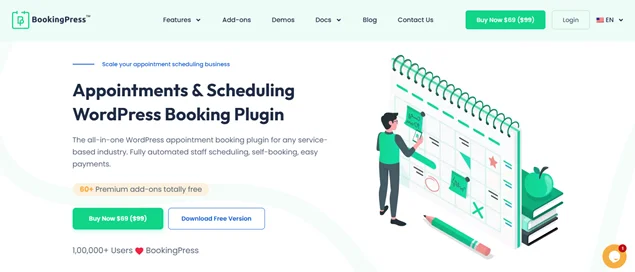
Best for: Coaches, consultants, salons, clinics, fitness studios, agencies and anyone needing a true booking + calendar hybrid.
If you’re searching for a Google Calendar alternative that doesn’t replace your calendar but actually supercharges it, BookingPress can be the best decision ever.
BookingPress isn’t a traditional calendar but a full appointment booking plugin for WordPress. When paired with Google Calendar, it becomes a powerful Google Calendar alternative for all service-based businesses.
Google Calendar simply displays your schedule, but BookingPress helps you run your entire scheduling system with ease. With BookingPress + Google Calendar Integration, you get:
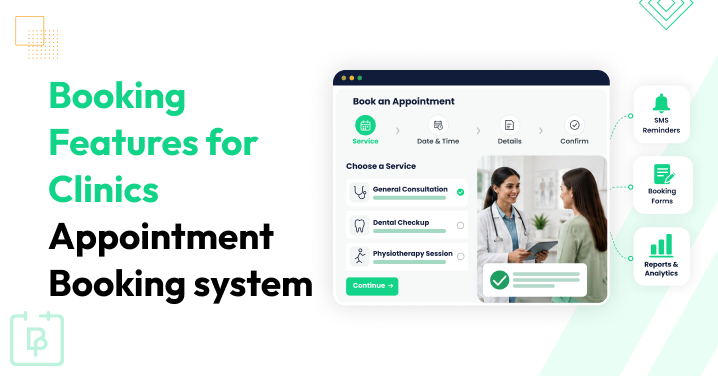
- Real time two way sync (no double bookings ever).
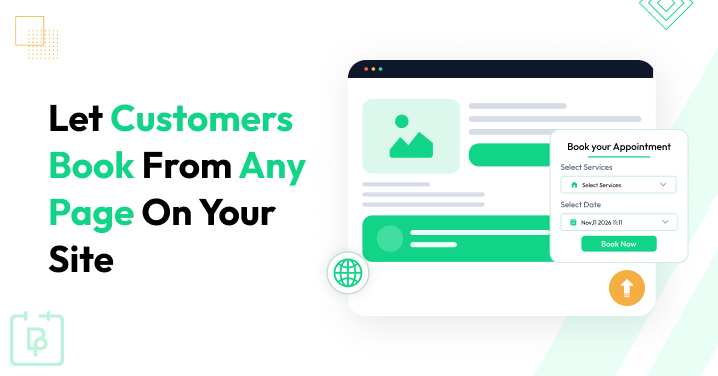
- 24/7 appointment bookings right from your website.
- Over 20+ payment gateways such as PayPal, Stripe, and more.
- Automated reminders via email, SMS, WhatsApp, and Telegram.
- Fully tunable booking form.
- In build spam protection.
- Integrates with powerful tools such as Mailchimp, Teams, Zoom, Zapier, and more.
- Custom service duration, multi service, multi staff, and special pricing options.
Think of it like this:
- Google Calendar = shows your appointments
- BookingPress = manages your appointments
In simple words, it gives you advanced scheduling flexibility that Google Calendar doesn’t offer.
2. Calendly
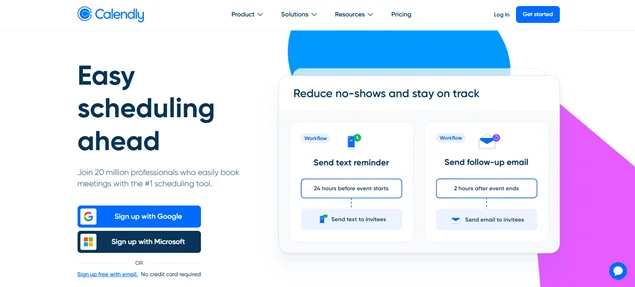
Best For: Sales teams, small business owners, coaches, consultants, and freelancers who want a lightweight scheduling tool.
Calendly is another one of the most popular Google Calendar alternatives because of its ease of use. Just like BookingPress, it’s a scheduling automation tool that connects smoothly with Google Calendar to add advanced features (If you’re not ready to abandon Google Calendar completely yet!).
You simply share your Calendly link, and people book a time based on your availability.
Standout Features of Calendly:
- Clean and user friendly interface.
- Advanced team scheduling.
- Powerful integrations with over 100+ business tools.
- Multiple event types.
- Team scheduling features.
- Professional branding and booking pages.
- Customizable workflows with personalized email and SMS reminders.
Where Calendly Falls Short:
- Most advanced features like workflows and SMS reminders are locked behind higher-tier plans.
3. Microsoft Outlook Calendar
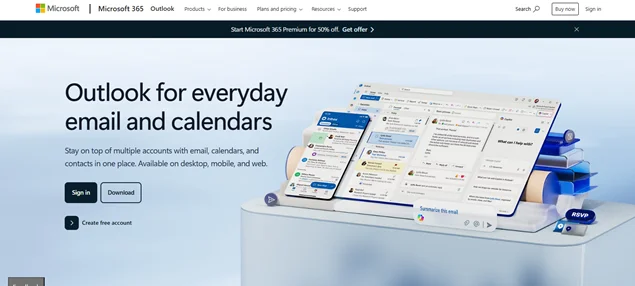
Best For: Enterprises, corporate teams, and users already invested in Microsoft Office.
Microsoft Outlook Calendar is the perfect alternative to Google Calendar in the market. The reason for it being a better calendar than Google is simple. It overcomes Google Calendar limitations by deeply integrating with the Microsoft 365 ecosystem, such as:
- Teams
- OneDrive
- Word
- PowerPoint
- OneNote
- Copilot
- Defender
- Excel and more.
Thus, Microsoft Outlook Calendar is a powerhouse for professionals working inside organizations using Microsoft 365.
Standout Features of Outlook Calendar:
- Email + Calendar in one place.
- Easy meeting scheduling with team availability.
- Great for large corporate environments.
- Supports shared calendars & room bookings.
- Enterprise-level security.
- More customization options.
The best part is, BookingPress also smoothly syncs with the Outlook calendar. So, you can easily supercharge not only your Google Calendar but also your Microsoft Outlook Calendar.
4. Zoho Calendar
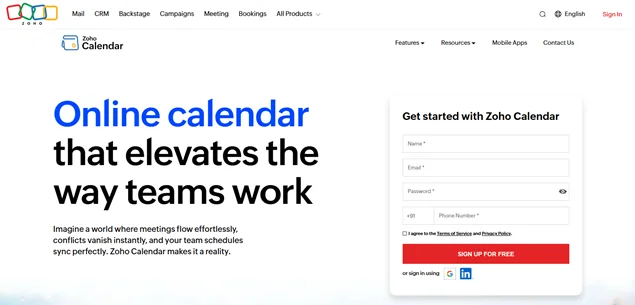
Best For: Teams and professionals looking for a versatile calendar with deep integration into business tools.
Zoho Calendar is another solid alternative to Google Calendar due to its team calendar and resource booking. It is part of the larger Zoho ecosystem, making it ideal for teams that rely on Zoho apps as well.
Standout Features of Zoho Calendar:
- Advanced sharing & permissions.
- Sync across Google, Outlook, Calendly, Thunderbird & Apple.
- “Smart Add”, add events using natural language.
- Embed calendars easily.
- Advanced security and privacy protection.
So if you are already using Zoho products, Zoho Calendar can be the best alternative to Google Calendar for you.
5. Any.do
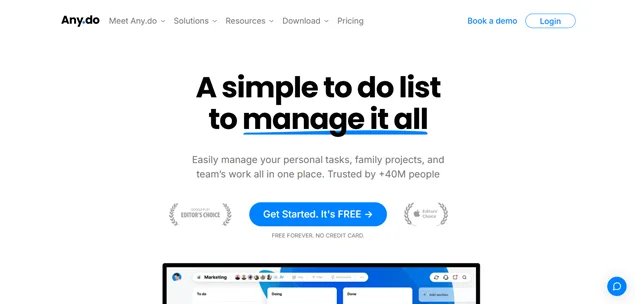
Best For: Students, individuals, families, and anyone wanting a productivity-first calendar.
Any.do is a good Google Calendar alternative as it combines tasks and events in a single view. Further, Any.do combines tasks, reminders, calendars, and lists into one unified workspace, making it super easy for you to get a clear picture of your daily workload.
Standout Features of Any.do:
- Daily Planner.
- Cross device sync.
- Location-based reminders.
- Beautiful mobile experience.
- Simple user interface.
- Valuable integrations such as Slack and Zapier.
- Add tasks and reminders with voice entry using Google Assistant, Siri, or more.
It’s perfect for people who want something that helps manage tasks and life with ease.
6. Apple Calendar
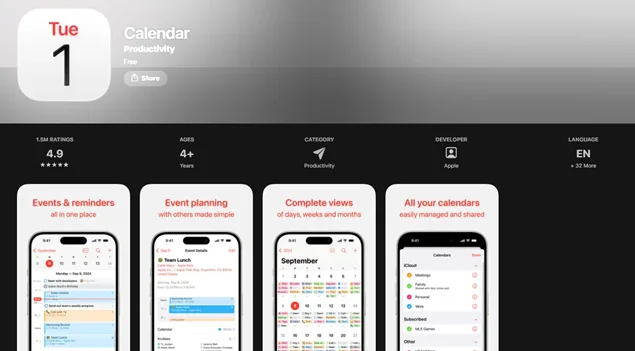
Best For: Apple-only users who want quick syncing across devices.
If you’re in the Apple ecosystem, Apple Calendar is one of the simplest and smoothest Google Calendar alternatives. It comes with a clean and user-friendly interface, which makes it easy to use for all.
Plus, it’s automatic event suggestions from email and strong integration with Siri, Apple Watch, and other Apple services like Reminders make it a good alternative.
Standout Features of Apple Calendar:
- Syncs instantly across iPhone, iPad, Mac and Apple Watch.
- Integrates with Siri for voice scheduling.
- Works with iCloud for syncing events automatically.
- Clean and simple design, making it look sleek.
Apple Calendar focuses more on giving a simple and smooth experience, unlike Google Calendar. The best part? You can sync Apple Calendar as well with BookingPress to automate scheduling and bookings alongside instant automatic notifications.
Related blog: How to Share an iCloud Calendar?
7. Notion Calendar
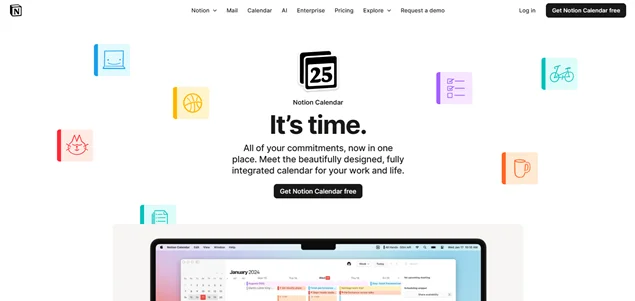
Best For: Teams, creators, marketers, and Notion users who want project management + scheduling in one place.
Notion Calendar is another top alternative to Google Calendar if you are looking for some advanced features with a simple user interface. It smoothly integrates with Notion Workspace, giving you a unified view of tasks and events.
Notion Calendar (formerly Cron) is built for modern creators, teams, and professionals who want their schedule integrated into their workflow.
Standout Features of Notion Calendar:
- Powerful Notion integration.
- Color coded calendars.
- Smart UI that looks cleaner than Google Calendar.
- Reschedule with simple drag and drop.
- Works amazingly for content planning.
In simple words, Notion Calendar is a more flexible option for those who want to manage their entire workflow, including projects, notes, and tasks from a single calendar.
8. Proton Calendar
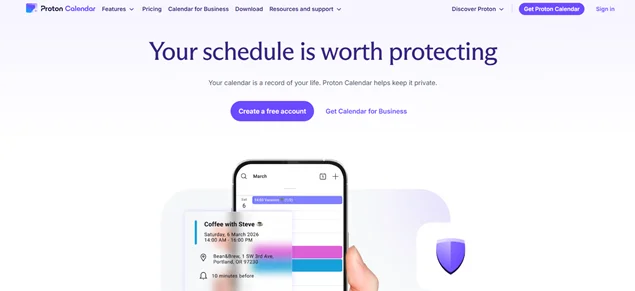
Best For: Users who want strong privacy protections that Google Calendar simply doesn’t offer.
If privacy is your top priority, Proton Calendar is a dream come true. It is better than Google Calendar when it comes to security and privacy features.
Standout Features of Proton Calendar:
- End to end encryption.
- No tracking or ads.
- Based in Switzerland (strong privacy laws).
- Works on web & mobile.
- Zero access encryption.
- Open source.
Apart from security, Proton Calendar comes with a simple user interface that is super easy to use. It is free to use, but some advanced features are limited to paid plans.
Final Verdict
These are all the 8 best Google Calendar alternatives of 2025. Yet the question we started with remains the same: What is the best calendar to have?
Well, the answer fully depends on your needs and requirements. Still, if you say so, we can help you make a quick decision to find the best alternative to Google Calendar.
So here’s a quick recap + helpful recommendation for choosing the best Google Calendar alternative :
- If you’re looking for simple scheduling > go with Calendly.
- If you want team and business planning > choose Outlook or Zoho.
- If you prefer task + calendar combo > Any.do is the best pick here.
- If you’re deeply rooted in Apple > Apple Calendar is the top choice.
- If you want custom workflows + databases > Go with Notion Calendar.
- If privacy matters most > no one can beat Proton Calendar.
But for service businesses running on WordPress, nothing beats BookingPress + Google Calendar, because you get:
- Full online booking automation.
- Real time client self booking and scheduling.
- Google, Outlook & Apple Calendar syncing.
- Payments, reminders, and staff scheduling.
- 100% control inside your WordPress dashboard.
With BookingPress, you get both a calendar alternative and a booking system – all in one!
You May Also Like:
 14-day money-back guarantee