11 Best WordPress Backup Plugins Reviewed (Expert Picks)


Most WordPress users only think about backups after something goes wrong. A broken update, a corrupted database, or a hacker wiping out weeks of work.
The good news? Setting up backups is easier than ever in 2025. All you need is to pick the best WordPress backup plugin to make your WordPress site safe and sound.
In this guide, we’ve tested and compared the top WordPress backup plugins for 2025, so you don’t have to. No matter whether you want automated cloud backups or a simple manual solution, this list has got your back.
Let’s explore the smartest way to safeguard your WordPress site.
Our Top Favorite WordPress Backup Plugins At a Glance
Before diving into the details of all these plugins, here’s a quick list that will save you time and help you jump directly to the ones you’re interested in.
| Plugin | Free Version | Starting Price | Best For |
| UpdraftPlus | Yes | $70/yr | Bloggers, small businesses, agencies |
| BlogVault | Yes | $99/yr | High-traffic sites, WooCommerce, membership sites |
| Duplicator | Yes | $69.30/yr | Developers, freelancers, staging workflows |
| All-in-One Migration | Yes | $99/yr | Small sites needing simple backup/migration |
| Solid Backups | No | $99/yr | Agencies, developers need premium reliability |
| Jetpack VaultPress Backup | Yes | ~4.95/mo (year 1) | Bloggers, small businesses using Jetpack |
| Backuply | Yes | $18/yr | Beginners, bloggers, small sites |
| Backup Migration | Yes | $19.98/yr | Beginners wanting simple backups + low cost |
| JetBackup | Yes | $89.95/yr | Agencies, developers using supported hosts |
| WP Staging | Yes | $104/yr | Developers, agencies testing updates safely |
| InstaWP Migration Tool | Yes | $24/yr | Bloggers, developers needing modern staging/migration |
How We Test and Pick the Best Backup Plugin For WordPress
Many businesses treat backing up their WordPress site as an optional thing to do. But any critical website errors or a hacker never come with a warning, nor do they give you time to save your website’s data anywhere.
This is why we have bought you the list of the most reliable and best WordPress backup plugins.
Speaking from experience, a reliable WordPress backup plugin makes sure your WordPress site stays safe, restorable and protected 24/7, no matter what goes wrong behind the scenes.
Here’s how we test and choose the best backup plugin for WordPress sites:
- Reliability: When we looked for the best backup plugin for our site, we made sure it’s genuine and reliable first things first.
- Performance Impact: No one wants their site running like a slow poke. Thus, we tested and looked for tools that have less impact on your WordPress site speed.
- Ease of Use: Next, we ensure all the plugins and tools listed are easy to use, even for beginners.
- Backup Storage: Make sure it always stores backups off site using the best cloud services or a separate server.
- Feature Set: Other than backup, we looked for extra features you are looking for, such as automated scheduling, one-click restores and site migration.
Top WordPress Backup Plugins To Secure Your Website
UpdraftPlus
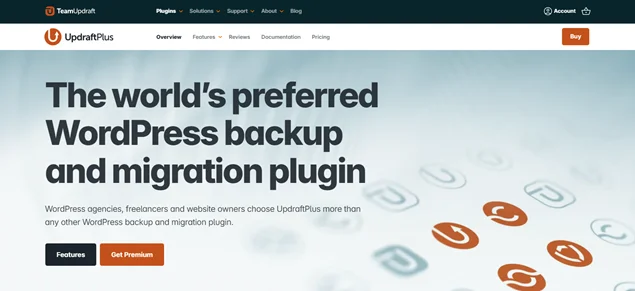
With over 3+ million active installations, UpdraftPlus is the top choice for backup and migration plugin. It allows you to back up and restore your entire website from your favorite storage locations like Dropbox, Google Drive, Amazon S3 and a lot of more.
Aside from that, it backup the website before updating WordPress core, plugins, or themes to stay on the safe side. You can also connect two sites at once and migrate as many times as you want.
Standout Features:
- Easy to backup databases, plugins, themes, uploaded content and other files.
- Flexible manual or automated scheduled backups at multiple intervals.
- One click restore.
- Multiple popular cloud storage options to save backups.
- Easy site migration with advanced security.
- Detailed reports on your backup status.
Pros:
- User friendly interface.
- Good features even in the free version.
- Most trusted plugin.
- Regular updates with active development.
Cons:
- Incremental backup and migration tools are for higher plans.
- Restoration from outside the WordPress dashboard can be a little complicated.
Pricing:
- The free version is available.
- Paid plan starts from $70/year.
Best For: Bloggers and small businesses who want a good free backup solution or agencies who want robust multi-site management in its premium version.
BlogVault
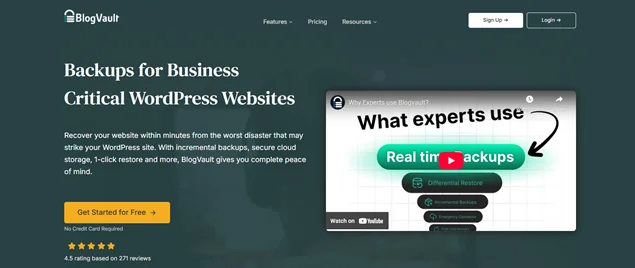
BlogVault is another one of the best WordPress backup plugins with automatic, secure and incremental backups. It allows you to create a staging site to test changes before deploying to live.
BlogVault performs backups on its own dedicated servers, so your site never slows down. Even better, it offers real time backups, so every tiny change you make is instantly saved.
Standout Features:
- Manage all your WordPress sites from a centralized dashboard.
- Independent backup servers, so no extra load on your hosting.
- One click restore with a track record for sites up to 100GB.
- Free built-in staging environment.
- Up to 90 day backup history.
- Real time Backups for WooCommerce.
- Strong security monitoring + malware scanning.
Pros:
- Ease of setup and use.
- Built-in staging.
- Fully reliable backups.
- Restores work even if your site is down.
Cons:
- Pricier than most backup plugins.
- Limited features in the lower tier and free plans.
Pricing:
- Free version is available.
- Paid plan starts from $99/year.
Best For: High traffic WordPress sites, online stores and membership platforms.
Duplicator
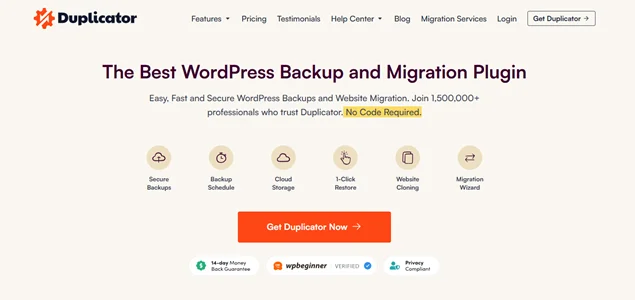
Duplicator is the popular WordPress plugin for backups and migrations around here. You can create reliable backups and even clone a site for staging.
Further, it offers automatic WordPress multisite backups and WooCommerce backups with easy 1 click restore.
Standout Features:
- Automatic Backup schedule to make sure everything is always backed up.
- Multiple cloud storage support, such as Dropbox, FTP, Google Drive, OneDrive, Amazon S3 and more.
- Offsite cloud storage for quick disaster recovery.
- Bundles the entire site into a single archive file.
- Drag and drop migrations in Pro.
- Backup limits to avoid large server loads.
Pros:
- Easy to clone or move a site.
- Great for developers and staging workflows.
- Supports large sites up to 100GB.
Cons:
- No real time backup.
- Higher renewal costs.
Pricing:
- Free version is available.
- Paid plan starts from $69.30/year (renews at $99).
Best For: Developers, freelancers, and website owners who need fast migrations, easy site cloning, and reliable backups in one place.
All-in-One Migration
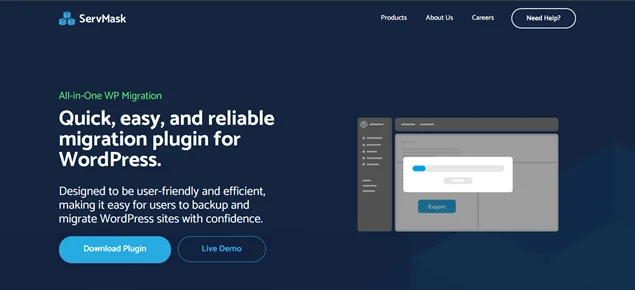
All‑in‑One WP Migration (often called “All‑in‑One Migration”) is a WordPress migration and backup plugin with beginner friendly interface.
If you want a quick, no code way to export, transfer or backup your entire WordPress site with zero hassle, this WordPress backup plugin is our best pick.
Standout Features:
- Simple and beginner friendly interface.
- “Find and Replace” for the database.
- Full site export and import, including database + files + themes + plugins.
- Easy drag and drop import interface.
- Supports large sites with zero downtime.
- No PHP version conflicts, as it works even on older or different server setups.
Pros:
- Ease of use even for beginners.
- Smooth migration and backup with no complex setups.
- Great for quick site transfers or cloning.
- Free version covers basic migrations and backups.
Cons:
- Free version has size limits.
- No automated or scheduled backup in the free version (you’ll need paid addon).
Pricing:
- Free version is available.
- Pro version starts from $99/year.
Best For: Small websites, blogs, or those who just occasionally need a simple backup or migration.
Solid Backups
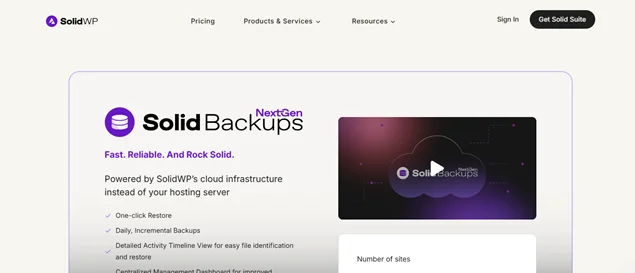
Solid Backups is another one of the fastest and most reliable WordPress backup plugin. You get a detailed activity timeline view for each file to identify and restore. Plus. It integrates smoothly with the SolidWP security and management suite.
Standout Features:
- Smooth full site backups including database, themes, plugins, uploads, and more.
- Scheduled automatic backups.
- Easy to store backups on multiple remote locations like Dropbox, Google Drive, Amazon S3, FTP, Stash (BackupBuddy’s own cloud).
- One click restore and easy site migration.
- Database only backup option, so it’s much lighter and faster backups when you only need the DB.
Pros:
- Easy to use.
- Flexible backup scheduling.
- Professional customer support.
Cons:
- No free version.
- Fewer third party storage options compared to UpdraftPlus.
Pricing:
- Solid Backups is a premium only plugin, so it starts around $99/year (depending on the number of sites and license type).
Best For: Site owners, agencies, or developers who want a rock solid and full featured backup solution. And willing to pay for reliability, flexibility, and long term support.
Jetpack VaultPress Backup
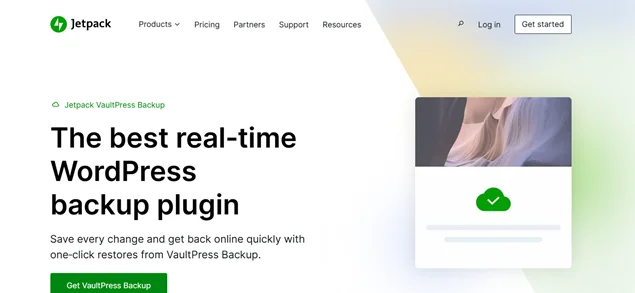
Jetpack VaultPress Backup is another great option if you want real time incremental backups and one click restore right from your Jetpack cloud.
Standout Features:
- Real time incremental backups.
- One click restore.
- Activity log.
- Easy to migrate a full WordPress site to a new host.
Pros:
- Easy to use.
- Good performance.
- Backup reliability.
Cons:
- More expensive than others.
- Lower plans have storage limits.
Pricing:
- Free version available.
- Paid plans start from $4.95 per month for the first year only.
Best For: Bloggers, small businesses or casual site owners who want a hassle free and simple backup and security solution, especially if they already use Jetpack for other features.
Backuply
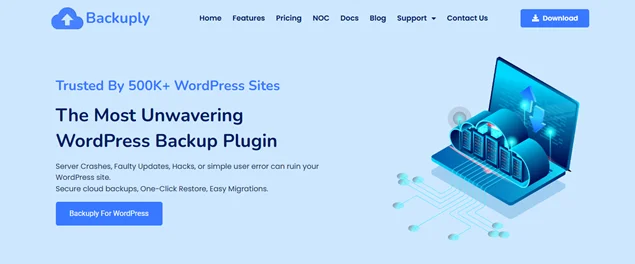
If you want a flexible, budget friendly WordPress backup plugin without too much complexity, Backuply might be just the plugin to check out. It offers a complete backup + restore + migration toolkit with good storage and remote backup options
Standout Features:
- One click restore and migration.
- Wide range of S3 compatible storage options like Google Drive, DigitalOcean Spaces, Linode Object Storage and more.
- Low downtime migration.
Pros:
- Super easy to use.
- All-in-one solution.
- Flexible storage options.
Cons:
- Not as feature rich as some older and advanced plugins.
- Free plan has some limitations.
Pricing:
- Free version available.
- Paid plan starts from $18/Year.
Best For: Beginners, small business sites, and bloggers who want a simple backup solution with just the right number of features.
Backup Migration
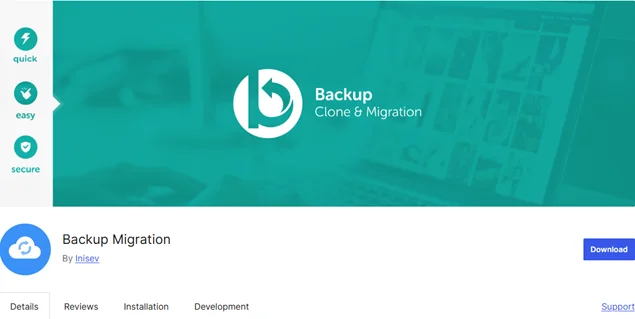
Backup Migration by Inisev is a beginner friendly backup plugin for WordPress. Thus, it is also one of the easiest backup plugins you can use for quick backups, smooth site transfers and zero technical headaches.
Standout Features:
- Backup WordPress site with a simple one click.
- Automatic scheduled backups with custom frequency.
- Super smooth migration wizard.
- Custom backup settings (exclude certain files/folders).
- Backup storage available locally or via cloud (Pro).
- Detailed logs to track backup activity.
Pros:
- Super fast and lightweight.
- Very easy to use.
- Many free storage options like Google Drive, Dropbox and more.
Cons:
- Cloud storage support needs the Pro upgrade.
- Not as advanced as premium enterprise level plugins.
Pricing:
- Free version available.
- Paid plan starts from $19.98/year.
Best For: Beginners, small business sites, and bloggers who want a simple backup solution with affordable pricing.
JetBackup
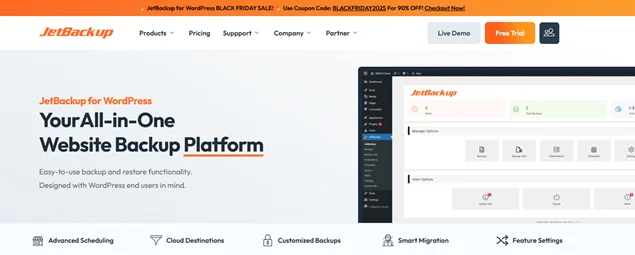
JetBackup is a powerful cross-platform backup solution for web hosting environments. If you want a backup solution that’s efficient, dependable, and server friendly, JetBackup is worth checking out especially if your hosting provider supports it.
It’s not just a WordPress plugin installed tool but a full fledged backup system that often works at the server level, offering advanced protection and flexibility.
Standout Features:
- Advanced unlimited scheduling for every frequency.
- Multiple cloud storage options and custom S3 destinations.
- Customized backups with the Granular database option.
- Offsite restore and panel specific exports.
- Cross domain restore.
Pros:
- Super fast and lightweight.
- Very easy to use.
- Many free storage options like Google Drive, Dropbox and more.
Cons:
- Cloud storage support needs the Pro upgrade.
- Not have advanced features as premium enterprise level plugins.
Pricing:
- Free version available.
- Paid plan starts from $89.95/year.
Best For: Web developers, agencies or site owners using hosting providers that support server level backups.
WP Staging
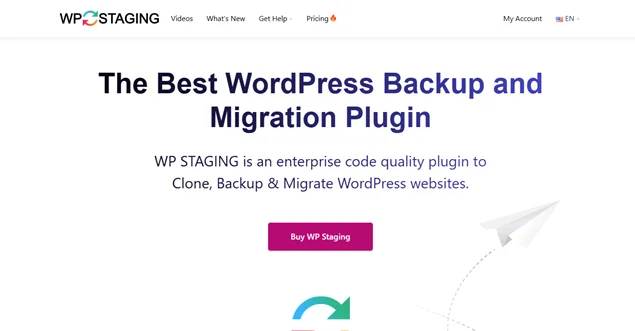
WP Staging is one of the enterprise grade WordPress backup plugins for backup and cloning your entire WordPress site. Moreover, this tool allows you to test any kind of changes on a staging copy without affecting your live site with ease.
Standout Features:
- Creates a full clone (staging) of your live site (files + database).
- Allows safe testing of updates, themes, or customizations.
- Lightweight and fast cloning process.
- One click push from staging to live (Pro version).
- Option to exclude large folders (like uploads), making clones faster.
Pros:
- Easy to use.
- Super fast and reliable.
- Secure data storage.
- Automatic search and replace.
Cons:
- Hosting limitations.
- Advanced features like automated reminders are in the Pro version only.
Pricing:
- Free version available.
- Paid plan starts from $104/Year.
Best For: Developers, agencies, or site owners who regularly or mostly update themes/plugins or experiment with customizations and want a safe sandbox environment for testing.
InstaWP Migration
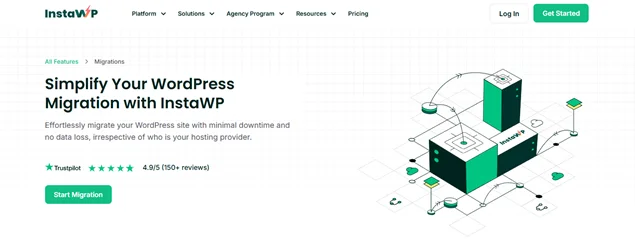
If you’re looking for a fresh, hassle-free way to migrate or backup your WordPress site, especially for testing, staging, or quick site transfers, InstaWP Migration Tool is worth checking out.
Standout Features:
- One click site export/import.
- Full site migration.
- Fully compatible with multiple hosts and setups with ease.
- Lightweight and easy to use.
Pros:
- Very simple and user friendly interface.
- Awesome choice for testing, staging, or cloning sites for development.
Cons:
- Focused more on migration and staging than on powerful backup and restore features.
- Its features can feel complex for new WordPress site owners.
Pricing:
- Free version is available.
- The paid plan starts from only $24/Year.
Best For: Bloggers, developers, or agencies who want a quick migration or staging tool for testing, development or transferring sites between hosts.
Conclusion
In closing, these are all the top rated WordPress backup plugins in 2025.
Think of backups as your WordPress site’s “save game” button. Something breaks? Just hit restore and…. Boom, everything’s back!
Thus, having a backup plugin for your WordPress site is like preparing your site in advance before the actual disaster strikes. To help you make the right choice, here’s a quick recap of the best tools and plugins to back up a WordPress site:
- UpdraftPlus: Best all rounder for most users.
- BlogVault: Enterprise level stability + real time protection.
- Duplicator: Great pick for backups + migrations.
- All-in-One Migration: Easiest migration tool, solid for backups too.
- Solid Backups (BackupBuddy): Premium and rock solid backup solution around here.
- Jetpack VaultPress Backup: Simple, automated and integrated backup.
- Backuply: Lightweight and beginner friendly WordPress backup plugin.
- Backup Migration: Free migration + easy backups.
- JetBackup: Server level power for advanced users.
- WP Staging: Best for safe testing and staging.
- InstaWP Migration Tool: Fast staging + modern migration workflows.
So what are you waiting for? Go and pick your best-fit WordPress backup plugins and prepare yourself before any glitches happen on your site.
You May Also Like:



Brian is a WordPress expert with a decade of developing experience & technical-writing. He enjoys blogging, movies & hiking.

Get BookingPress Premium
60+ Premium Addons
20+ Payment Gateways
Plan starts at just $89
Get Premium NowLike our insights? Click the badge to add BookingPress as your preferred source on Google.

Add as a Preferred
Source on Google