

Searching for the best social media plugins for WordPress? Look no further!
With more than 5.79 billion active identities, social media is not something to be taken lightly if you seriously want to build an audience and grow online. That’s why many WordPress website owners are connecting their sites with social media platforms.
Integrating social media into your WordPress site lets you drive engagement, expand your reach, and connect with your audience across multiple platforms such as Facebook, Instagram or LinkedIn. Social media platforms now account for a meaningful 10.12% of global website traffic. Thus, social media is one of the very important parts of digital marketing strategy.
At BookingPress, we understand the importance of social media, as we manage multiple social media accounts including Facebook, LinkedIn, X, and Instagram.
So, in this post, we’ll share some of the best WordPress social media plugins we’ve personally tested and used on our sites. Whether you want to share new content automatically, showcase your social feeds, or let visitors share your posts, we’ve tested plugins that can handle each of these jobs.
TL;DR: After testing all the top WordPress social media plugins, ARSocial is the most complete option. It’s an all-in-one social media plugin, easily replacing five niche-specific tools.
What Is a Social Media Plugin?
A social media plugin is a WordPress tool that connects your website directly to social media platforms like Facebook, Instagram, LinkedIn or X (Twitter).
In simple words, it acts like a digital bridge between your WordPress site and Social media platform, allowing you to communicate and share data.
You see social media plugins every day when browsing the web. They mostly look like:
- Share buttons: A small button (like a Facebook “like” or a Pinterest “Pin”) that allows you to share an article or product immediately to your own profile
- Social feeds: A section on a homepage that shows a live gallery of a company’s recent Instagram posts or tweets
- Social login: You must have come across login pages that say, “Login in With Google”, rather than creating a new username or password. Yes, that button was added using the social login plugin.
All these are possible due to social media plugins. Now don’t mistake that for one. There are many different types of social media plugins too.
Which Type Of WordPress Social Media Plugin Do You Need?
| If you want to… | Look for… |
| Let visitors share your posts | Social sharing plugin |
| Display Instagram, Facebook, or other social feeds | Social media feed plugin |
| Automatically publish WordPress posts to social media | Social media auto-posting plugin |
| Schedule and manage social media posts | Social media management plugin |
| Let visitors log in with social accounts | Social login plugin |
| Recycle and reshare your old content | Social media automation plugin |
| Display content from multiple social platforms | Social media aggregation plugin |
How We Tested These Social Media Plugins For WordPress
Since each social media plugin serves a different purpose, we can’t evaluate them based on the exact same features.
Thus, we looked at the core criteria that matter when picking any WordPress social media plugin and then considered the features specific to each plugin’s primary use case.
To ensure you get the top recommendations that actually work (not just a generic AI summary), we installed and tested each social media plugin to see how easy it was to set up, connect social media accounts, configure its main features, and use it from the WordPress dashboard.
Apart from this, we also looked at how well each plugin performed its primary job, whether that meant sharing content, showing social feeds, automating posts, managing social media activity or adding social login.
User experience matters the most. Thus we tested each of these plugin’s quality of the interface, available customization options, supported social platforms, integrations, automation features and the level of control offered to website owners.
Pricing was another part of our evaluation. We compared the free and paid versions, looked at which important features are locked behind premium plans, and considered what you actually get for the price.
Overall, these are the factors you should check before finally putting your money on social media plugin:
- Ease of setup and use
- Key features
- Customization and control
- Automation capabilities
- Performance and reliability
- Free and premium features
- Pricing
- Documentation and support
This allowed us to compare each plugin within the context of what it is actually designed to do, rather than treating every plugin as if it offers the same feature.
Quick Picks: Best WordPress Social Media Plugins For 2026
In a hurry? No problem! Here are the top WordPress social media plugins at a glance.
| Plugin | Best for | Free version | Starting price |
| ARSocial | All-in-one social media management and locker | No | $20 for 1 site |
| WP Social | All-in-one social media integration | Yes | $79/year |
| WP Social Ninja | Social feeds, reviews, and chat | Yes | $71/year |
| Jetpack Social | Automatic social sharing | Yes | $59.40/year |
| Blog2Social | Social media scheduling | Yes | $96/year |
| Smash Balloon | Social media feeds | Yes | $49/year |
| Revive Social | Recycling old content | Yes | $99/year |
| Social Snap | Social sharing and automation | Yes | $39/year |
| Tagembed | Social media aggregation | Yes | $19/month |
8 Top WordPress Social Media Plugins (Expert Review)
1. ARSocial
Best for: All-in-one social media management and social locker
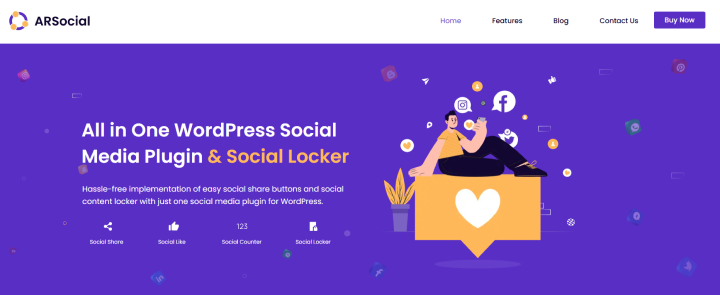
ARSocial is the ultimate Swiss Army knife for your website’s social media needs. This WordPress plugin literally bundles five different plugins, one for share buttons, one for follow counts and another to lock content, into one lightweight package.
At BookingPress, we personally use this plugin, that’s why we can recommend it with confidence. You don’t need to touch even a line of code; it comes with simple drag and drop system where you can pick the pre-designed templates, choose your colors, and decide exactly where you want the buttons to appear. Whether you want a floating sidebar, a popup, or buttons placed automatically at the top and bottom of your articles, it takes just a few clicks
Best of all, ARSocial gives you four major features right out of the box such as gorgeous, fast-loading buttons that allow your readers to easily post your content to over 42+ different networks (including popular ones like Facebook, Pinterest and more). On top of that, it comes with social likes & follows, fan counter and content locker too.
As for its downside? Well, we don’t see it as a limitation but for small businesses looking for a completely free option, this won’t do. Although it does not have a free version, the paid version is actually quite affordable – only $20 for regular license. No recurring fees.
Key Features:
- 42+ Social Share Network to Select (Pinterest, Facebook, Twitter, Email sharing buttons, etc.)
- Native Buttons for like / follow / subscribe
- 35+ Social Share Network to Select for social fan counter
- Increase your social visibility by lock your premium content
- Smart URL shortening
- In-sash analytics & speed optimization
- Mobile-friendly
Pros:
- Highly customizable display
- In-dashboard analytics
- Plays nice with major tools like WooCommerce
Cons:
- Jack of All Trades, Master of None; While it handles all things effectively, it won’t offer hyper-advanced features
- No Live Social Feeds
Price: The plan starts from $20 for regular licence with 6 month support
2. WP Social
Best for: All-in-one social media integration
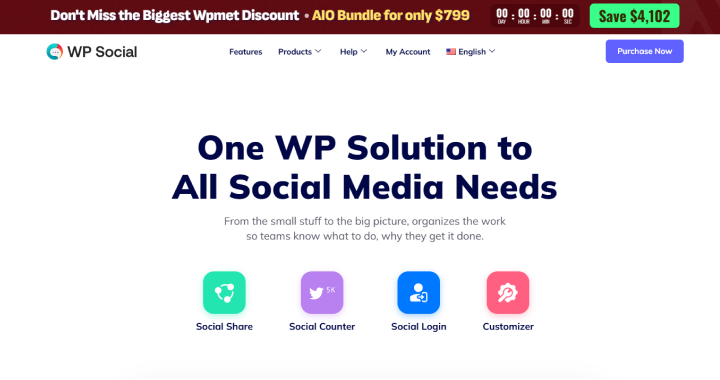
WP Social is an all-in-one WordPress plugin that handles social login, social sharing, and social counters. In other words, it replaces five or more separate plugins by combining everything in one place.
When we tested it on our WordPress site, the interface felt simple and needed no coding to get social login and share buttons running. It handles WordPress social login (letting visitors sign in with social accounts), social sharing buttons and follower counters without slowing things down.
The only thing concerning is the fact that some users have occasional login bugs, although we didn’t face any. However, keep in mind that this plugin relies on third part platform APIs meaning updates from those networks can break your site occasionally until patched.
Key Features:
- Social login with custom login redirect URLs
- Social share with 54+ pre-built layouts
- Social counter with 11 hover effects and 18 icon styles
- 10+ attractive templates & customization options
- GDPR Compliance
- Responsive design
- Shortcode Compatibility
Pros:
- Replaces 5+ separate social media plugins
- Easy to set up
- Up-to-date SDK and state-of-the-art API codebase
Cons:
- Customization options can feel limited for advanced design needs
- Some users have reported minor bugs
Price:
- Free version available
- The paid plan starts from $79 for 1 site
3. WP Social Ninja
Best for: Social feeds, reviews, and chat
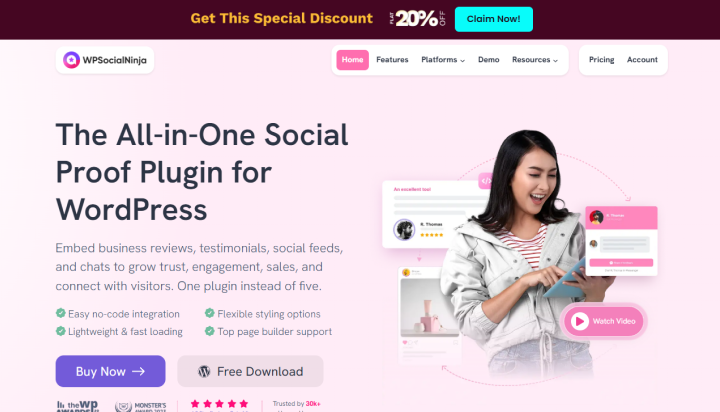
WP Social Ninja is the next best WordPress social media plugin on our list. Just like WP Social by Wpmet, this is also an all-in-one tool that lets you add social media feeds, customer reviews, and chat widgets to your website.
Using this, you can show live feeds from Instagram, Facebook, YouTube, and TikTok right on your site. It pulls customer reviews from Google, Yelp and WooCommerce so your visitors trust your business faster. Best of all, you can add support buttons like WhatsApp and Messenger to talk to clients.
But those chats aren’t live chats. The chat widgets don’t function as a full on-site live chat system; clicking them simply opens an external window to platforms like WhatsApp or Messenger.
Key Features:
- Pull customer reviews from 9+ platforms
- “Follow Us” Button to increase followers
- Filter posts by keyword/hashtag
- 16+ supported chat widgets
- Easy feed setup with multiple accounts
- Embed social media tools from 30+ platforms
- Testimonials Management
Pros:
- Beginner-friendly Quick Builder wizard
- Auto-sync options for keeping remote social reviews and feeds updated
- Responsive layout controls
Cons:
- Advanced elements like carousel layouts, notification popups, and full chat channels needs the paid Pro version
- Chat widgets function as quick links/messengers only
Price:
- Free version available
- The paid plan starts from $71/year (Renews at $89/year)
4. Jetpack Social
Best for: Automatic social sharing
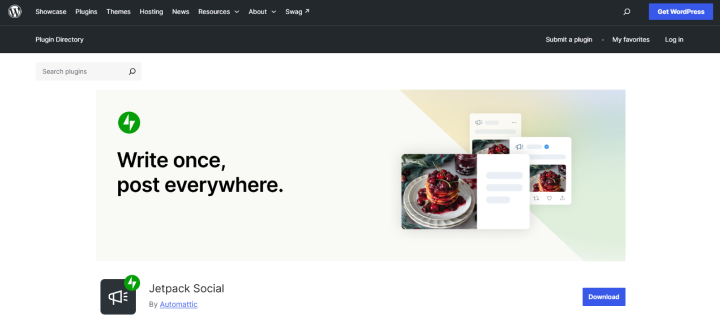
Jetpack Social is arguably the ultimate all-in-one social media plugin for WordPress for those who hate jumping between fifty different tabs just to share a blog post.
Jetpack Social is built for automation and convenience. The second you hit “publish” on WordPress, it automatically pushes that post to your connected social channels. And the best thing is, you don’t have to blast it out immediately. You can write your post today and schedule it to hit your social feeds next Tuesday at peak traffic hours.
When we tested this plugin, we were smoothly able to connect our website with its all social channels without any bloat. Got a timeless, high-performing article? You can set the plugin to reshuffle and reshunder (re-share) your top evergreen content automatically so your feeds never look dead.
The annoying stuff? Advanced analytics are locked behind paid tiers, and the fact that it belongs to the massive Jetpack ecosystem which feels is too heavy.
Key Features:
- Auto publishing new posts
- Multi-network support
- In-editor management
- Social scheduling
- Social image generator
- Custom image and video attachments per individual social channel
- Unlimited sharing with no caps
Pros:
- No more manual loop of copying and pasting links across multiple tabs.
- No separate dashboard
- Developed and maintained by Automattic
Cons:
- Lacks native integration for popular networks like Pinterest or TikTok.
- Omits advanced marketing features like evergreen auto-recycling, custom post type support, or deep third-party webhook integrations
Price:
- Free version available
- The paid plan starts from $59.40/year (Renews at $119.40/year)
5. Blog2Social
Best for: Social media scheduling
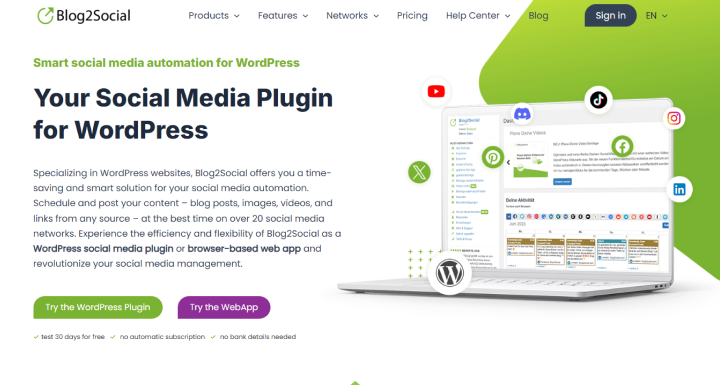
Blog2Social is one of the most popular social media plugins for WordPress. It connects with over 21 social networks, including heavy hitters like Facebook, Instagram, LinkedIn, Pinterest, and TikTok, alongside niche platforms like Medium, Reddit and Threads
If you are looking to cross-promote your site’s content without constantly copying and pasting links between platforms, this social media auto posting plugin is the one for you. Best of all, you don’t have to guess when your audience is online. The plugin has a built-in manager that automatically pushes your posts live at the optimal engagement times for each platform.
Although it’s one of the best options, the only thing we disliked is the limited free version. While the free tier lets you manually share to 14 networks, it lacks true automation. You cannot auto-post upon publishing a blog entry or use the time scheduler without upgrading
Key Features:
- Track success with UTM parameters
- Create, schedule and publish posts from your website automatically
- Advanced AI control for optimized social media performance
- Team management
- Manage all users posts and accounts
- Share video, images, reels and stories
- Create custom templates per platform
Pros:
- Customize how a post looks on each unique network
- Free version for basic manual sharing
- Easy social media scheduling
Cons:
- Advanced automation, scheduling and multiple accounts needs a paid yearly subscription
- Free version has very limited reporting and lacks automated scheduling features
Price:
- Free version available
- The paid plan starts from $8.00 per month billed yearly ($96/year)
6. Smash Balloon
Best for: Social media feeds
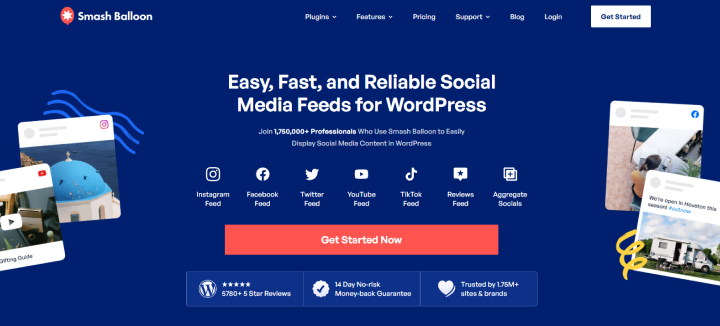
Smash Balloon is one of top social media feed plugins here. It allows you to show live content from Instagram, Facebook, YouTube, TikTok, and X (Twitter) without any coding.
Best of all, it offers dedicated plugins for major platforms plus a Social Wall feature to mix different feeds together.
During testing, its smart caching ensured our site stayed fast and search engines were able easily read the social content. Moreover, it matched our WordPress theme using simple check boxes and got our feed running in less than 5 minutes.
The only thing we don’t like is that its full suite feels like an overkill or just too expensive for single and basic websites.
Key Features:
- Multi-platform support
- Feed stays up even if social media is down
- Display multiple feeds across your site
- 1-click GDPR setting
- Show stunning lightboxes
- Use professionally-designed themes
- Fully Customizable Feeds
Pros:
- Beginner friendly
- Reliable caching
- Lightning fast load times
Cons:
- Kinda expensive compared to others
- Filtering out unwanted posts or comments can take extra time
Price:
- Free version available
- The all access bundle costs $299/year, but if you want only one social media platform, it starts from $49/year (Renews at $98/year).
7. Revive Social

Best for: Recycling old content
This WordPress social media plugin is an absolute lifesaver if you want to put your social media marketing on autopilot directly from WordPress. After putting it through its paces, it easily earns its spot as one of the best all-in-one social media integration plugins on our list.
One of the key features we tested includes reviewing old posts. This is the flagship feature. You set a schedule and the plugin automatically grabs older articles from your database and shares them.
Apart from this, we even liked its built-in analytics integration. It automatically adds UTM tags to your shared links. This means you can jump right into Google Analytics to track exactly how much traffic the plugin is driving to your site.
The only downside is the dashboard setup can feel a bit overwhelming for total beginners. Also, the free version is quite limited (only supports Facebook and X).
Key Features:
- Share on up to 50 accounts
- Automatic New Content Promotion
- Image Sharing
- Connect To 30+ Networks Via Zapier
- Share to Instagram Business, Telegram, LinkedIn Company Pages and Google My Business
- Custom Scheduling
- Queue Management
Pros:
- Massive time saver for content-heavy blogs
- Highly customizable schedules
- Pro add-on lets online storefronts continuously rotate and promote older product pages
Cons:
- Little bit pricey for hobbyists
- Currently lacks support for Pinterest, TikTok and Threads.
Price:
- Free version available
- The premium plan starts at $99/year (Renews at $129/year)
8. Social Snap
Best for: Social sharing and automation
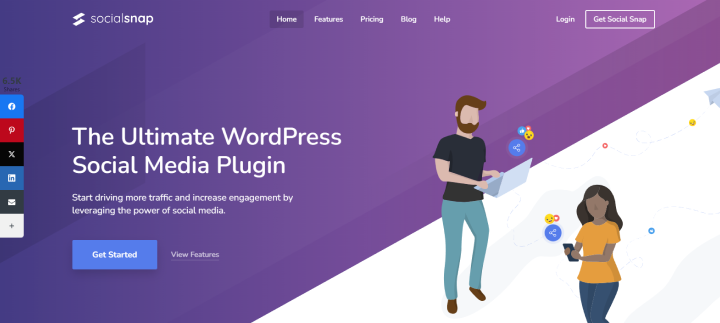
Social Snap is a WordPress plugin that handles sharing, auto-posting and analytics.
With over 10,000+ active installations, it allows you to add customizable share buttons for over 30 networks anywhere on your site (floating sidebars, inline, or on-media images).
When tested, Social Snap loads quickly and doesn’t slow down your website. While the free version on WordPress.org gives you basic buttons, the pro version unlocks powerful time savers like auto-posting and deep analytics.
Key Features:
- Multiple sharing locations
- Click to Tweet with 6 beautifully designed styles
- Share count recovery and display thresholds
- Advanced analytics and statistics
- Social auto-posting and boost old posts
- Content Locker and social login
- Fully responsive
Pros:
- Lightweight
- Supports over 30 social networks with customizable shapes, colors, and animations
- High end UI
Cons:
- Limited free version
- Configuring specific button visibility across different post types takes time.
Price:
- Free version available
- The premium plan starts at $39/year.
9. Tagembed

Best for: Social media aggregation
Tagembed is the best social media aggregator and plugin that lets you collect, curate and embed live feeds and reviews from over 18 platforms.
What made Tagembed catch our eyes is its Speed. This plugin caches social content so your website stays fast and SEO optimized. Plus, it syncs new posts and reviews automatically so your site is always fresh.
The best part? You can combine feeds from Instagram, TikTok, Facebook, YouTube, and customer reviews from Google, Yelp or Amazon into a single widget.
The only reason we ranked it this low is because if you’re tech-savvy like me, you’ll face a lot of limitations when building highly advanced custom behaviors.
Key Features:
- Collects content from 18+ social media networks and review sites
- 10+ layout options
- Advanced content moderation
- Call-to-Action (CTA) buttons to embedded social posts
- Automatically updates your website feed in real time
- Built-in analytics
- Unlimited Widgets
Pros:
- Quick setup
- No coding needed
- Excellent CMS support
- SEO and speed friendly
Cons:
- Only basic API access
- Delayed updated on lower tiers
Price:
- Free version available
- The premium plan starts at $19/month if billed yearly.
Final Verdict: What Is The Best Social Media Plugin For WordPress?
In a nutshell, these are all the best WordPress social media plugins. If you’re still wondering which one of these is the right-fit for you, here’s a summary of everything we’ve explored till now.
- ARSocial: Best overall social media plugin
- WP Social: All-in-one social media integration
- WP Social Ninja: Social feeds, reviews, and chat
- Jetpack Social: Automatic social sharing
- Blog2Social : Social media scheduling
- Smash Balloon:Social media feeds
- Revive Social : Recycling old content
- Social Snap: Social sharing and automation
- Tagembed: Social media aggregation
So what are you waiting for? Pick your social media plugin and boost your growth.
Related articles:
- Marketing & Advertising Strategies for Hair Salons
- 9 Best WordPress Affiliate Plugins for 2026 (Tested & Compared)
- Top 6 Free WordPress Booking Plugins for Appointments
FAQs
Here are the best social media plugins for WordPress:
– ARSocial
– WP Social
– Smash Balloon
– Jetpack Social
– Social Snap
Yes, indeed. Social media plugins such as Smash Balloon, WP Social Ninja and Tagembed shows Instagram content or feeds on your WordPress website.
Yes, Of Course! Social media plugins such as Jetpack Social, Blog2Social, Revive Social and Social Snap automates social media publishing or sharing.
Blog2Social is the best for scheduling and publishing content across multiple social networks in WordPress.

 14-day money-back guarantee