7 Best Divi Booking Plugins for WordPress (2026)


If you’ve entrusted your WordPress customization to Divi, you already know it’s one of the most powerful page builders and design frameworks available. With the recent complete revamps known as Divi 5, even more developers and new users are joining the Divi ecosystem.
In the newest Divi 5 version, both shortcodes and custom booking modules work. While Divi lets you connect almost any third-party plugin, the real question is how smoothly those integrations work.
So if you’re searching for a WordPress booking plugin that integrates seamlessly with Divi, this list is for you.
The Divi booking plugins for WordPress we’ve curated for this list are built to work directly inside the Divi interface, allowing you to design and customize booking pages in a way that’s intuitive, flexible, and fast.
BookingPress
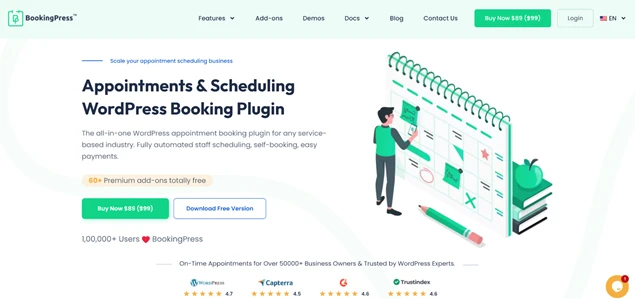
BookingPress is one of the widely adapted solutions for service businesses, which enables clients to easily schedule an appointment online. The plugin is a popular choice across a wide range of industries – from coaches to beauty salons and clinics – thanks to its reliable availability management and automated booking features.
To add booking forms and calendar to your WordPress with BookingPress, you can use many ways. And Divi is one of them. BookingPress supports Divi modules and shortcodes, so that you can smoothly customize booking experiences without leaving the Divi interface.
Key features:
- Monetization-focused WordPress booking plugin.
- Fully automated availability management, communications, and payments.
- Integrate with 20+ payment systems and 18+ popular tools & plugins.
- Works in any WordPress page builder, including Divi.
Simply Schedule Appointments
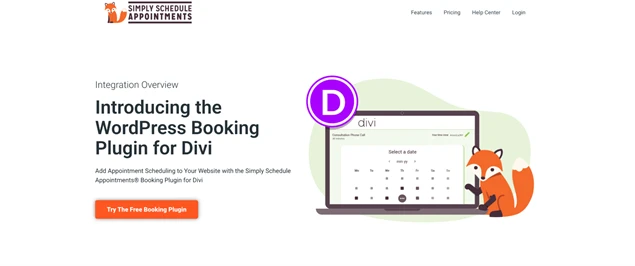
Simply Schedule Appointments is another widely used solution for appointment scheduling on WordPress, which supports all key functions for automated reservations. To ease your Divi workflow with this plugin, Simply Schedule Appointments adds an Appointment Booking module that you can easily drag and drop into your custom website pages.
With the Simply Schedule Appointments Setup Wizard and Divi integration, you’ll be all set up pretty quickly. Accessing the Divi design-related tabs, you can edit fonts, colors, and the booking calendar that you wish to display on the page.
Key features:
- Classes and group bookings.
- Integration with multiple services and plugins (Zoom, Google Calendar, Gravity, etc.).
- Divi module to make it easy to drop the calendars into any page and layout.
WP Booking System
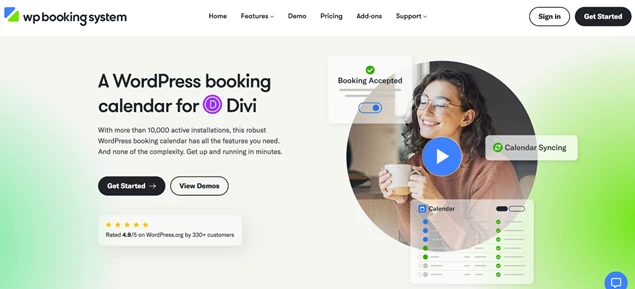
This is a multipurpose booking plugin that works for hotels, services, and rentals. It’s an availability calendar-focused plugin.
In the Divi interface, it uses the Single Calendar widget. Once added, click the widget to adjust its settings. After configuring the options, you’ll have a page with booking capabilities from WP Booking system. It creates a powerful booking calendar that works with payments, SMS, and various booking restrictions.
Key features:
- Created for booking scenarios of various durations and types.
- Syncs to multiple third-party services.
- Can be easily incorporated into Divi-powered websites.
Booknetic
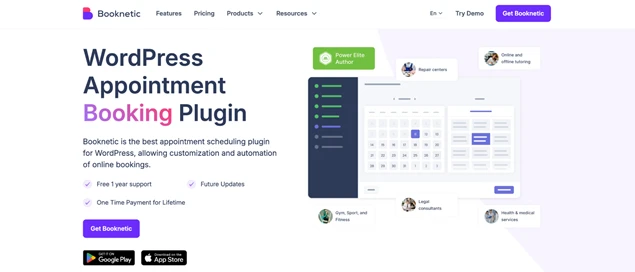
Booknetic is another WordPress service booking plugin. It integrates directly with Divi through dedicated Divi modules, which appear once you install both plugins. This process enables you to add and customize booking forms visually inside the Divi Builder.
You can create or edit a page with Divi and insert a Booknetic module just like any other Divi element. After adding the module, you can configure the booking form in a settings panel – choose whether to display the full booking flow or preselect specific services, categories, staff members, or locations.
Key features:
- Recurring appointments, gift cards, and waiting lists.
- Mobile app for bookings.
- Dedicated integration with Divi.
MotoPress Appointment Booking
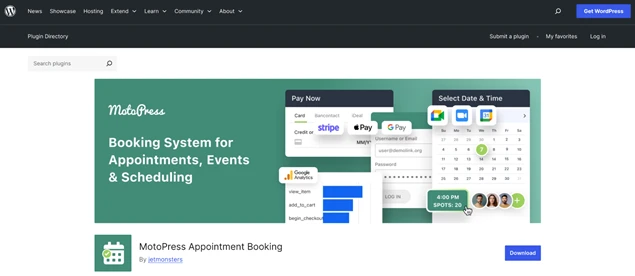
The Appointment Booking plugin by MotoPress features several integrations with page builders, including Elementor, Gutenberg, and Divi. Most importantly, it doesn’t require any extra plugins for this process.
The plugin has a dedicated Appointment Form module for Divi, which allows you to customize a WordPress booking widget and display it on your WordPress site. You’ll also find modules that let you display your services, pricing, team members, and other business details you’ve already added in the plugin.
Key features:
- Online payment processing, invoices, and reminders.
- Video conferencing and group bookings.
- Several Divi modules, including Appointment Booking.
Amelia
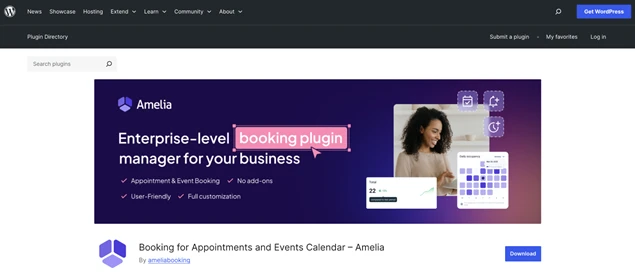
The Amelia booking plugin also provides a custom-created integration directly with the Divi builder, where you can add booking forms, event views, and customer-facing panels to your pages using native Divi modules.
Since Amelia 9.1, the latest Divi 5 framework is supported. For example, when building a service page with Divi, you can add an Amelia booking form, preselect a service or employee, and publish a fully functional booking flow that fits your layout.
Key features:
- Amelia supports bookings for services and events.
- Online payments and customer accounts available.
- Works natively with Divi 5 with no shortcodes.
WP Booking Calendar
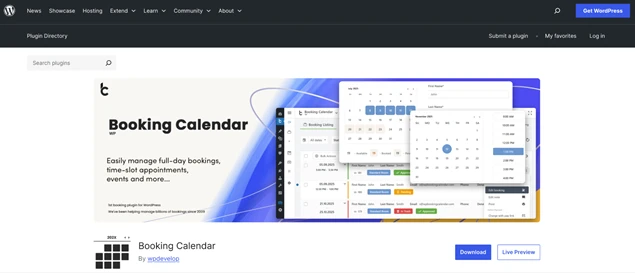
While the plugin developers state the integration with Divi, most likely it will be less intuitive since the WP Booking Calendar only provides shortcodes. However, this is overall a pretty robust plugin for bookings.
To add a Booking Calendar shortcode in Divi, you normally open the page in the Divi Builder where you want the calendar to appear. Then, insert a new section or row, then add a Code module. In the module settings, you simply paste your Booking Calendar shortcode into the code field. Thanks to Divi’s customization panel, you can still adjust the module’s design settings, such as spacing, alignment, or sizing, to match your layout.
Key features:
- Calendar-powered bookings with online payments and communications.
- Features for scalable and enterprise businesses.
- Shortcodes-based Divi integration.
Concluding: How to Choose Among Divi Booking Plugins for WordPress?
Many leading WordPress booking plugins offer some form of integration with Divi.
In some cases, this comes through shortcodes (which work smoothly in Divi 5, so there’s no need to worry about compatibility). Other plugins support the older Divi framework, while a few already provide full compatibility with the latest Divi 5 version. So you need to choose your level of comfort with the Divi booking plugin customization.
With that in mind, we also recommend choosing a WordPress booking plugin for Divi based on your needs in terms of design, features, and budget – since all the plugins in this article can be integrated with Divi in one way or another.
Related articles:



Brian is a WordPress expert with a decade of developing experience & technical-writing. He enjoys blogging, movies & hiking.

Get BookingPress Premium
60+ Premium Addons
20+ Payment Gateways
Plan starts at just $89
Get Premium NowLike our insights? Click the badge to add BookingPress as your preferred source on Google.

Add as a Preferred
Source on Google