Best Practices for Follow-Ups After Scheduling Appointments


Scheduling an appointment is just the first step. You’ve done the hard work > your client found your service > picked a time > book your service. But then, nothing.
No confirmation, no reminder, no follow-up. That means that appointment is at risk of becoming a no-show.
Sending appointment follow-ups after scheduling is as important as making an appointment for any service-based business, whether you run a consulting service, salon, a fitness studio, or a professional training platform.
The real challenge is making sure the clients who booked actually show up. Appointment follow-ups ensure your clients show up, feel valued, and stay engaged with your service. Done right, follow ups can actually:
- Reduce no-shows and late cancellations.
- Boost customer trust.
- Show professionalism.
- Strengthen long-term customer relationships.
In this blog, we’ll walk through the best practices for follow-ups after scheduling appointments. From timing and personalization to channels and automation, you’ll see how to make appointment follow-ups that ACTUALLY work without annoying your clients.
TL;DR. To ensure clients show up, send an instant confirmation, a reminder 24-48 hours before, and a final reminder on the appointment day. Keep messages short, personalized, and delivered through the client’s preferred channel.
6 Tips for Effective Follow-Ups After Scheduling Appointments
1. Confirm Right Away – Don’t Leave Them Guessing
The moment a client schedules an appointment, your first priority is to confirm it right away. Waiting too long or sending confusing confirmations leaves them uncertain. And uncertainty leads to customer no-shows.
Plus, sending a confirmation notification:
- Reassures the client that their booking is confirmed for real.
- Makes expectations clear for time, date, and location (or platform for virtual meetings).
- Boosts customers’ trust by showing you’re professional.
Here’s a simple confirmation message:
“Hi [Client Name], your appointment with [Service/Provider] is confirmed for [Date & Time]. We look forward to seeing you!”
The best part? BookingPress, the best WordPress appointment booking plugin, can automate it in just a few minutes.
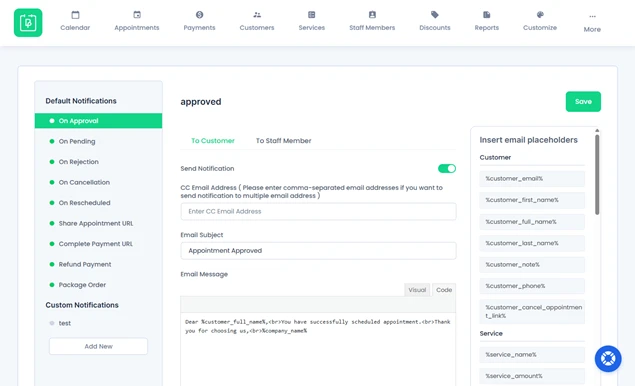
It lets you send automatic notifications and reminders for follow up appointments right away via:
- SMS
- Telegram
By confirming right away, you eliminate guesswork and make clients feel valued, right from the start.
2. Remind Them Before the Appointment Date
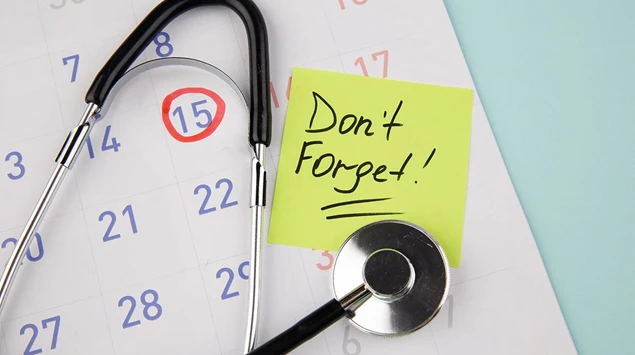
Even after a confirmation, clients can forget an appointment as life gets busy and calendars get crowded.
And that’s exactly why you should remind them before the appointment date to keep at least your schedule on track. The key is finding the right balance:
- Too early and they might forget again before the date.
- Too late and they may not have time to adjust their schedule if needed.
Thus, a good rule of thumb says you must send an appointment follow-up:
- 24-48 hours before for most services as it gives them enough time to manage.
- 1-2 hours before for same day reminders for urgent or high value appointments.
The good news is BookingPress makes this simple by sending automated reminders on time. You can even let clients confirm or reschedule directly from the reminder, which lowers the no shows and last minute cancellations.
Automated appointment reminders & follow ups show your clients that you value their time and are committed to helping them get the most from your service.
3. Personalize Your Follow-Ups

Appointment follow-ups, mostly created with ChatGPT, sound a little generic. As if they clearly say you don’t value customer appointments.
The real power comes when your messages feel personal and human to each and every client. Personalization shows clients that you remember them, understand their needs, and value their time, all of which increase the chances they’ll show up and stay engaged.
Look at some ways to personalize your appointment follow-ups:
- Use their name in all messages.
- Mention their services or the appointment type they booked.
- Include previous interactions or preferences (e.g., “Based on your last session, we recommend”).
- Make content to their interests, such as links to relevant resources or preparation tips.
To get things right, look here at this personalized message:
“Hi Sarah, your yoga session with Coach Mia is confirmed for tomorrow at 10 AM. Don’t forget to bring your mat, and here’s a short warm up video to get you ready!”
What’s more, BookingPress lets you automate personalized messages by pulling client names, appointment details, and custom notes right into your follow-up message.
This makes every client feel like they’re getting the attention they deserve without dumping extra manual workload on your part.
4. Choose the Channel Where Your Client Actually Sees It
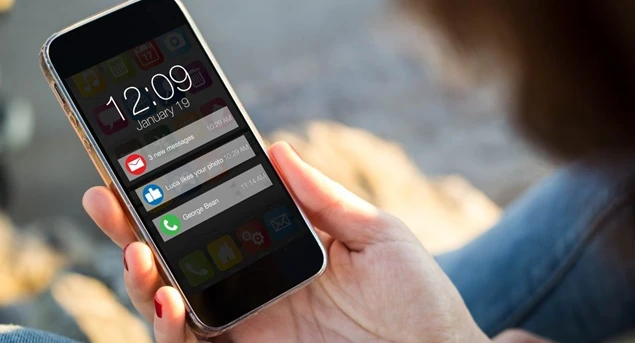
Even the best follow-up message won’t help if your client never sees it. That’s why choosing the right communication channel is just as important as the message itself.
Now, different clients prefer different ways of being contacted. Some check email regularly, others respond faster to SMS, and many now use messaging apps such as WhatsApp or Telegram.
No matter which channel, the goal is to meet your clients where they are. BookingPress makes this effortless by letting you send automatic personalized follow-ups via:
- SMS for quick attention-grabbing reminders.
- Email for detailed messages or confirmations.
- WhatsApp for personalized & interactive communication.
- Telegram for clients who prefer instant messaging platforms.
Moreover, you can also use phone calls for high value or complex appointments where personal interaction matters.
A multi channel approach works best. Send an initial confirmation via email, a reminder via SMS or WhatsApp, and consider a push notification if your platform supports it.
BookingPress lets you customize messages for each channel to make sure your clients get the appointment reminders in the way they’re most likely to notice and act upon.
By meeting clients where they actually pay attention, you drastically reduce no shows and make your follow-ups more effective.
5. Keep Messages Short and Simple
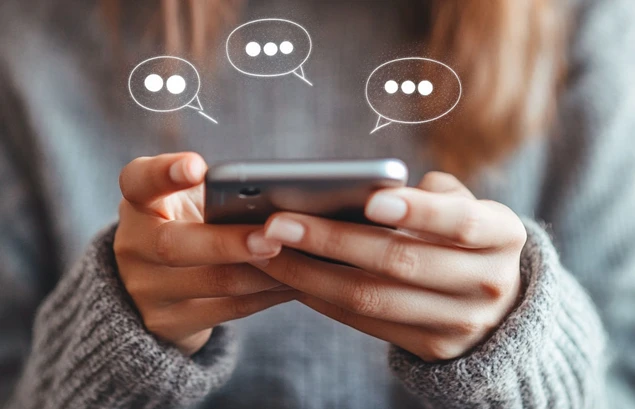
When it comes to appointment follow-ups, less is more. With shrinking attention spans and constant online distractions, no one reads a long, cluttered message. Most clients simply ignore it.
Here are a few things effective follow-up messages should focus on:
- Appointment date and time
- Service or provider name
- Location or meeting link
And that’s it! No need to make it a long one, which people barely read.
Here is an example of the same:
“Hi Sanaya! This is a reminder for your spa booking on Jan 25 at 3 PM. Reply YES to confirm or click here to reschedule.”
This is how a quick appointment follow-up should be: short and simple yet with action steps. Afterall, short & simple messages work well for SMS, WhatsApp, and Telegram, where clients expect quick, easy-to-read updates.
By keeping your messages concise, you respect your clients’ time and make it far more likely they’ll read, remember, and act on your follow-up.
6. Maintain Follow-up Consistency
Appointment follow-ups can either boost the trust or quietly push clients away. Why? Because consistency matters even here. Send too few messages and clients forget. Send too many, and they feel overwhelmed.
The sweet spot is a follow-up appointment rhythm that feels helpful. Clients should expect to hear from you, but only when it matters.
Here’s a balanced follow-up strategy for appointments after scheduling:
- Send an instant confirmation right after booking.
- One reminder a day or two before the appointment.
- A final nudge on the day of the appointment (Only if needed).
This way, clients know what to expect, trust your process, and are far more likely to show up on time. When your communication feels consistent and well timed, clients stay engaged, informed, and ready for their appointment.
Follow-Up Email Tips That Actually Work
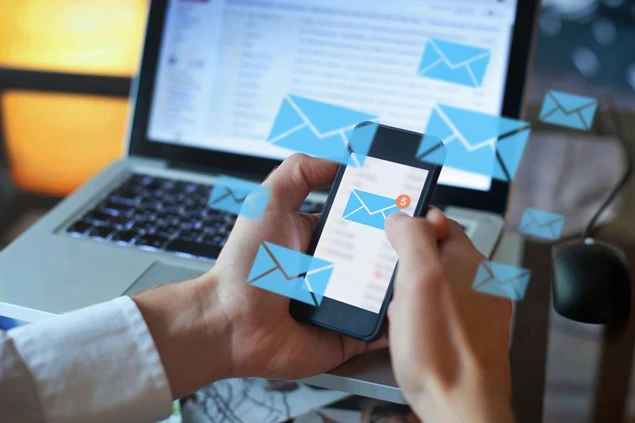
To follow up after an appointment strategically, you must not ignore the appointment follow up email. Because email remains one of the most effective channels for appointment follow-ups, of course, when it’s done right.
A well written follow-up email can reinforce commitment, answer last-minute questions, and make clients feel prepared before the appointment.
Here are a few strategies for making and sending a smart follow up email after an appointment (That someone actually opens and reads):
Use a clear subject line
Make the purpose obvious, such as “Appointment Confirmed for Jan 25” or “Reminder: Your Session Tomorrow at 3 PM.”
Put key details at the top
Date, time, service, and location (or meeting link) should be immediately visible. No scrolling needed.
Keep the body simple
One short paragraph is all you need. That’s it! Plus, you must avoid long explanations or promotional content in reminder emails because that makes it look spammy.
Add a simple call to action
Remember to allow your clients to easily confirm, reschedule, or contact you.
Maintain a friendly, professional tone
Sound helpful and reassuring, not robotic or overly formal.
Conclusion
These are all the 8 best practices for follow-ups after scheduling appointments. And together, they form a simple yet powerful system for keeping your calendar full and your clients engaged.
If you want to turn these appointment follow-up best practices into real results, BookingPress makes it effortless. BookingPress is the most powerful appointment booking plugin for WordPress that lets you:
- Automate confirmations and reminders.
- Personalize Follow-ups.
- Two way sync bookings across calendars like Google, Apple, and Outlook calendars.
- Reach clients via Email, SMS, WhatsApp, and Telegram.
No manual work. No missed appointments. Just a smoother booking experience for you, your staff, and your clients.
You May Also Like:
- How to Write Meeting Reschedule Email (Templates + Tips)
- How to Write Professional Thank You Email After a Meeting (18+ Examples Included)
- 10 Tips to Make Your Appointment Scheduling More Effective
FAQs
You can follow up on an appointment by sending 1 or 2 personalized emails or text messages 24-48 hours before the scheduled appointment.
To text for an appointment, keep the message simple and action oriented. You can mention the appointment details and add a clear next step, such as confirming, rescheduling, or contacting support.
Appointment reminders should be sent at strategic times so clients do remember them:
– First, 24-48 hours before the appointment for most services.
– Second, 1-2 hours before for same day or high priority appointments.
5 to 6 appointment follow-ups are too many and can feel spammy. That’s why make sure to send 2-3 appointment follow-ups, which is common in service-based businesses.
Yes, SMS is better than email for appointment reminders due to its high open rate and instant delivery even without internet.



Brian is a WordPress expert with a decade of developing experience & technical-writing. He enjoys blogging, movies & hiking.

Get BookingPress Premium
60+ Premium Addons
20+ Payment Gateways
Plan starts at just $89
Get Premium NowLike our insights? Click the badge to add BookingPress as your preferred source on Google.

Add as a Preferred
Source on Google