9 Best Cal.com Alternatives to Try in 2026


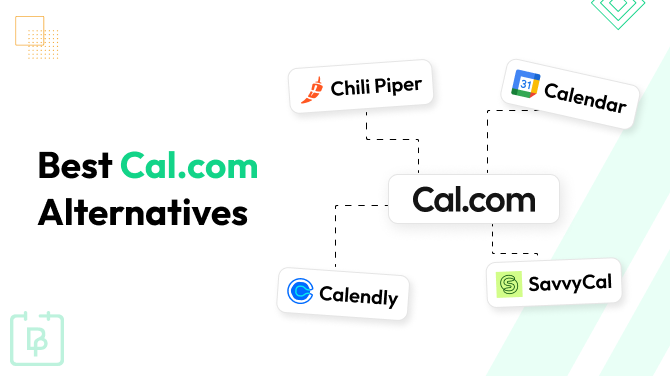
Cal.com earned its popularity largely thanks to the wide range of scheduling use cases it supports – customer bookings, internal team scheduling, round-robin routing, multi-location, and shared resource scheduling, all available through one platform.
The API-first architecture and app ecosystem of Cal.com, as well as many tools for enterprise teams and scalable organizations, make it easy to manage any workflows, embed scheduling into products, or automate using webhooks.
While this is a robust solution for many needs, it comes at a cost with per-user pricing and can often feel overengineered for smaller teams, for example, when you simply need to accept bookings for your office or salon.
So, if you are looking for the reliability of Cal.com but with simpler interfaces and better affordability for small business needs, here we go then.
BookingPress
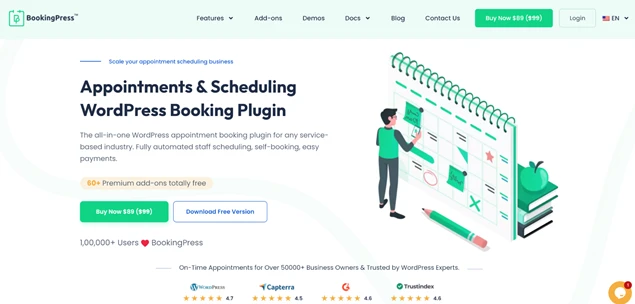
BookingPress is one of the top scheduling plugins for WordPress sites.
Just like Cal.com, it is also open source thanks to the nature of WordPress and is ultra customizable. That said, it’s much more suitable for smaller businesses, including coaches, clinics, and wellness centres who are looking to provide clients with a fast and secure online self-booking experience.
It supports the essential set of tools, including staff shifts, flexible availability, integration with many third-party tools & services, to automate business processes primarily for inbound scheduling.
Key features:
- Add a booking page/wizard to your brand website on WordPress.
- In-person meetings and automated links for online appointments via Zoom, Google Meet, and Microsoft Teams.
- Powerful monetization add-ons.
- Staff calendars and accounts for availability management.
- Seamless integration with all major payment gateways and email marketing services.
- Easy multi-branch scheduling.
- Fully customizable booking experiences.
How BookingPress pricing compares to Cal.com:
BookingPress offers a fixed yearly or lifetime cost based on the chosen set of features; no per-user charges.
Chili Piper

Chili Piper is one of those Cal.com alternatives that focuses on turning inbound demand into instantly scheduled meetings and is the best serve for the revenue teams.
Chili Piper connects forms, CRM data, and routing logic so prospects are qualified and directed to the right person the moment they request a conversation. It has all you need from automated reminders to rescheduling flows and meeting reassignment to fight your no-shows.
Key features:
- Real-time calendar sync with Google and Outlook.
- Intelligent lead routing that sends prospects to the correct rep, territory, or account owner.
- Works deeply with Salesforce and HubSpot CRMs.
- Automated round-robin, priority routing, account-based routing, and handoff scheduling between teams.
- Embedded scheduling inside marketing funnels, chat, or landing pages.
How Chili Piper pricing compares to Cal.com:
Pricing is seat-based and designed for revenue teams rather than individual users. Costs scale with team size and routing features, making it typically more expensive than Cal.com.
HoneyBook

This Cal.com alternative allows any solo operator or business to share their availability in different ways, including via a handy link for client self-reservation of available slots.
Multiple appointment types, real-time schedule updates, branded invoices, and accepting payments from within the same HoneyBook app are fully supported.
Key features:
- Offers solutions for even services, real estate, and consulting.
- Advanced CRM and finance tools.
- AI-assisted workflows: AI chat, file creation, follow-up suggestion, and trend recognition.
- Works with your existing calendar, Zoom, Google Meet, and more.
- Round-robin workflow.
- Automatic sync to your Google, Apple, Outlook, Yahoo, or AOL calendar.
How HoneyBook pricing compares to Cal.com:
Annual cost, pricing is up to 2 team members for the middle-tier plan. Unlimited team members are only supported in the most expensive Premium plan.
Google Calendar Scheduling
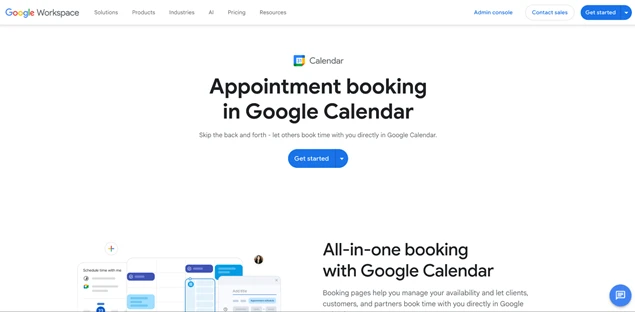
Google Calendar scheduling is fine for those who love using this app, providing a solo practice or small business with a simple app.
It makes it super easy to schedule appointments with clients right from the calendar, whether adding them manually or enabling clients to make a booking.
Key features:
- Create one reservation page for free.
- Stripe to accept appointment payments online.
- Email verification to complete a booking.
- Customizable email reminders.
- Real-time availability and in-sync with all your calendars.
- Automated emails about new reservations.
How Google Calendar Scheduling pricing compares to Cal.com:
Requires at least the Business Standard plan by Google Workspace. Since appointment scheduling is just one of the features, the price is per user/month, just like in Cal.com.
SavvyCal
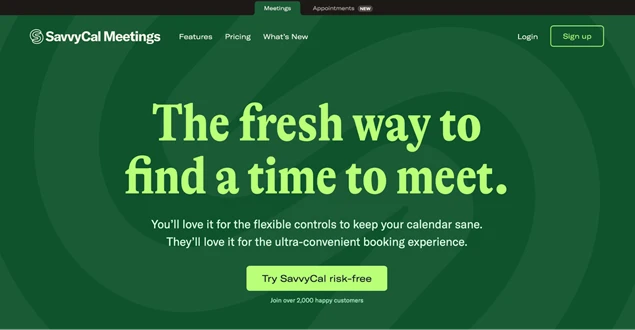
SavvyCal is built as an alternative to traditional “pick a slot” schedulers, emphasizing collaborative scheduling and protecting focus time. It lets your team create reusable scheduling links for different meeting types (e.g., sales calls, interviews, internal syncs).
Recipients can overlay their calendars, rank candidate times, or respond to meeting polls. Hosts can define buffers and daily/weekly caps, preferred time windows, single-use links, and multiple duration options on a single link.
Key features:
- Branding, custom domains, and per-link calendar routing.
- Sync to many calendars – Google Calendar, Microsoft Outlook, iCloud, Fastmail).
- Video conferencing with Zoom, Microsoft Teams, and Zapier.
- Powerful custom branding.
How SavvyCal pricing compares to Cal.com:
Per-user monthly pricing is slightly cheaper in SavvyCal. However, custom domains are only available from Premium plans.
Calendly
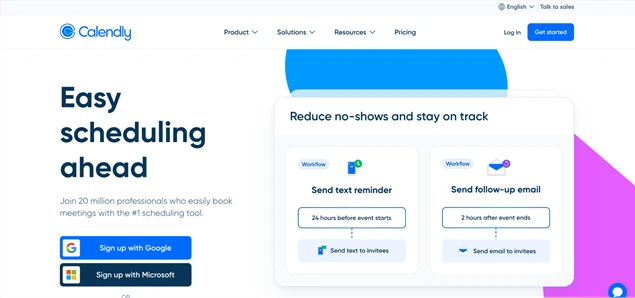
Calendly is one of the widely used tools for scheduling that you’ll see in many regular collaborations. It centers on sharing availability and letting invitees pick a time and then automatically coordinating calendars, reminders, and meeting emails.
It’s typically used for sales demos, interviews, support calls, consulting sessions, and client onboarding rather than complex lead-routing automation like in Cal.com.
Key features:
- Share a booking link or embed it on a website for self-scheduling from available slots.
- Real-time sync with Google, Outlook, and Exchange.
- Create meetings for 1-on-1 and groups.
- Meeting polls to find a common time for groups.
- Automatic video meeting links (Zoom, Meet, Teams) added after booking.
How Calendly pricing compares to Cal.com:
Freemium with per-seat tiers – cheaper than revenue-routing tools but paid plans are usually required for team distribution, routing, and workflows.
Acuity Scheduling

Acuity Scheduling is best for appointment-based small business teams that want clients to pick a time, pay, and manage bookings without staff coordination. It works best when customers already know they want a service and just need to reserve a slot.
Staff availability can be pooled so customers automatically book with any available team member. It’s widely chosen by salons, therapists, fitness studios, tutors, consultants, and small service teams handling repeat client appointments.
Key features:
- Clients self-book from a live calendar (embedded or hosted page) without staff involvement.
- Service types, buffers, packages, and group sessions.
- Automatic confirmations, reminders, and rescheduling.
- Built-in payments and deposits connect the booking step directly to revenue collection.
How Acuity Scheduling pricing compares to Cal.com:
No permanent free plan – only a trial, then paid tiers. Cal.com also offers a free tier and lower-cost team scheduling. The pricing is per calendar.
Schedly
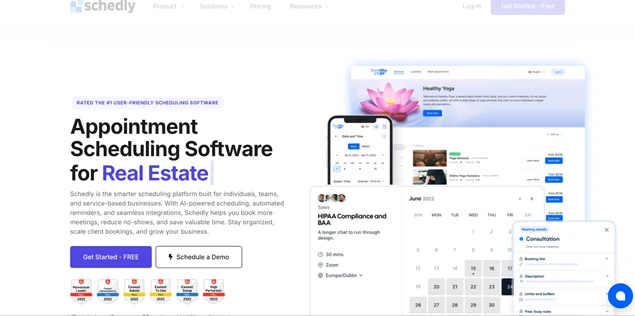
Schedly bundles CRM, reminders, payments, and repeat-client management around appointments, which is pretty similar to Cal.com. Clients book slots from a branded booking page with real-time availability. The software supports all the cycles with automated reminders via email, SMS, or WhatsApp.
Key features:
- Staff calendars and flexible employee schedules managed in one dashboard.
- Payments, invoices, and deposits are collected during booking.
- Customer CRM stores visit history, preferences, and loyalty data.
- Routing logic and meeting polls for teams.
- Analytics showing occupancy, demand, and returning customers.
How Schedly pricing compares to Cal.com:
Schedly offers a free entry plan with a pretty generous workflow. Premium plans charge fixed annual prices (1 user in PRO).
Vagaro
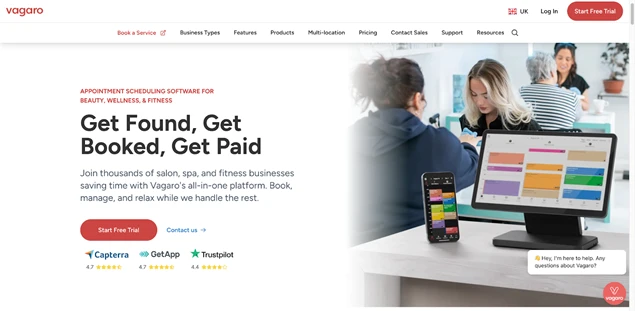
Vagaro is another nice Cal.com alternative for local service businesses where scheduling is tightly connected to payments, staff calendars, and repeat customers.
Your clients can book services any time from a booking page, marketplace listing, app, Google, or social profiles, designed to capture nearby customers searching for services.
Key features:
- Multi-staff calendar with drag-and-drop rescheduling, recurring bookings, and pooled availability.
- Automated waitlists.
- Deposits, card-on-file, and no-show fees are directly tied to the booking step.
- Automated reminders via SMS/email to prevent missed appointments.
- Intake forms, waivers, and service notes attached to appointments (useful for wellness/beauty providers).
- Built-in client profiles and loyalty tracking for repeat visits.
How Vagaro pricing compares to Cal.com:
Vagaro charges mainly per service provider calendar and add-ons (payments, forms, marketing), so costs grow with staff and operational features.
Final Word: Which Cal.com Alternatives Are the Best?
It all depends on what features are the most valuable for you, where you want to save money, and what types of workflows are preferable for your business type.
For example:
- If you’re running a WordPress-based site and want full control over bookings on your own domain, affordability and customization, BookingPress is the right choice.
- Sales-driven teams that need advanced lead routing and CRM integrations may lean toward Chili Piper.
- Freelancers and creative entrepreneurs who want proposals, contracts, and payments in one place might prefer HoneyBook.
- If you’re deeply embedded in the Google ecosystem, using scheduling features connected to Google can feel seamless.
- Modern scheduling tools like SavvyCal, Calendly, or Acuity work well for consultants and remote teams, whereas service-based businesses may appreciate the flexibility of Schedly or industry-focused platforms like Vagaro.
Related articles:



Brian is a WordPress expert with a decade of developing experience & technical-writing. He enjoys blogging, movies & hiking.

Get BookingPress Premium
60+ Premium Addons
20+ Payment Gateways
Plan starts at just $89
Get Premium Now